LOUDCHAT
A downloadable tool
🎙️ LoudChat – Bring Your Twitch Highlights to Life
LoudChat is a simple yet powerful tool that turns your Twitch Highlighted Messages into real-time voice through Text-to-Speech (TTS) on your PC.
No more missing important interactions during your stream — let LoudChat speak directly for your viewers!
✨ Features
-
🔊 Automatic TTS for all Highlighted Messages.
-
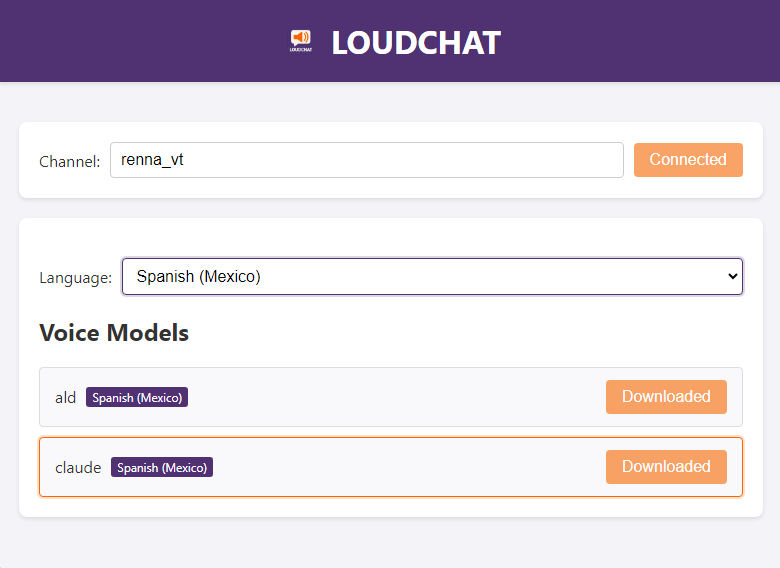
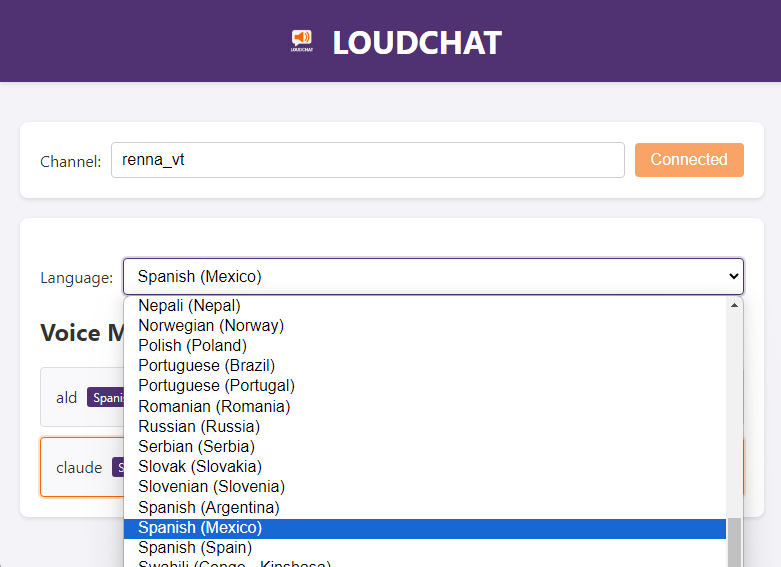
🎨 Customizable voices (choose your preferred system voice).
-
⚡ Lightweight & fast – runs smoothly in the background.
-
🖥️ Easy to use – no complicated setup, just install and go.
-
🟣 Designed with Twitch streamers in mind.
🎯 Why LoudChat?
As a streamer, engaging with your audience is everything. Highlighted Messages are often the most important ones, but they can get buried in the chat flood. LoudChat ensures you never miss them:
-
Stay connected with your community.
-
Add an extra layer of fun & interaction to your streams.
-
Make your viewers feel heard and valued.
Avoid the use of commands.
🚀 How It Works
-
Download and run LoudChat.
-
Start streaming — and let LoudChat handle the rest.
That’s it! Your chat comes alive with every Highlighted Message spoken out loud.
📦 Download & Installation
-
Windows: Supported (macOS/Linux support coming soon).
-
Simple installer included.
-
Lightweight package size.
💡 Perfect For
-
Streamers who don’t want to miss key chat interactions.
-
Creators who want to boost engagement with their audience.
-
Anyone looking to add unique audio interaction to their Twitch channel.
❤️ Support the Project
If you enjoy LoudChat, consider supporting me on itch.io or sharing it with fellow streamers. Every little bit helps to keep updates and new features coming.
⚡ Bring your Twitch chat to life. Make your community louder with LoudChat! ⚡
Download
Click download now to get access to the following files:
Leave a comment
Log in with itch.io to leave a comment.